Platform
Four Modules. One Robotics Learning Ecosystem.
Learn → Simulate → Design → Code → Build → Control → Create. Each module is powerful alone; together they cover the complete robotics learning journey.
Module 01
Drone Simulation
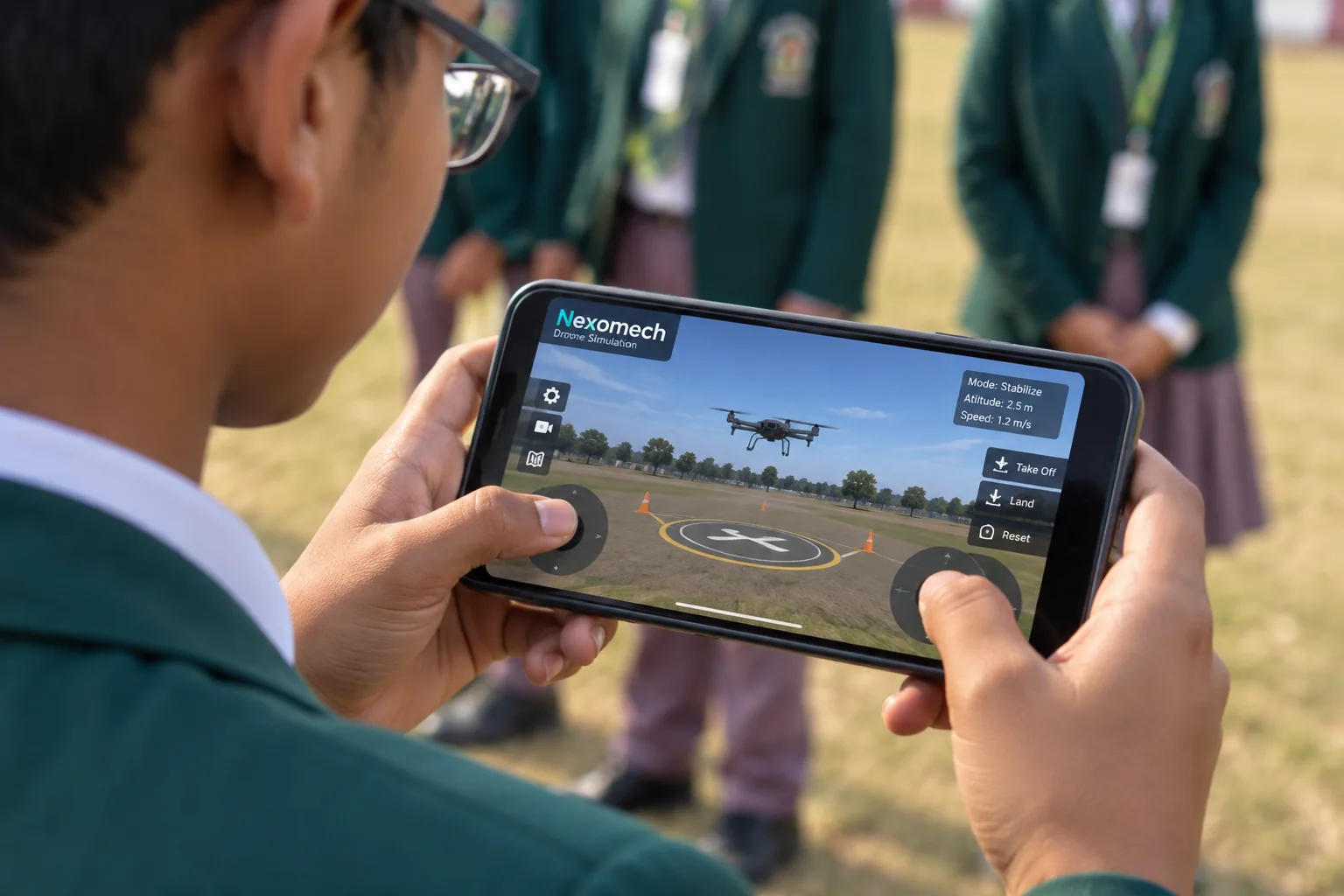
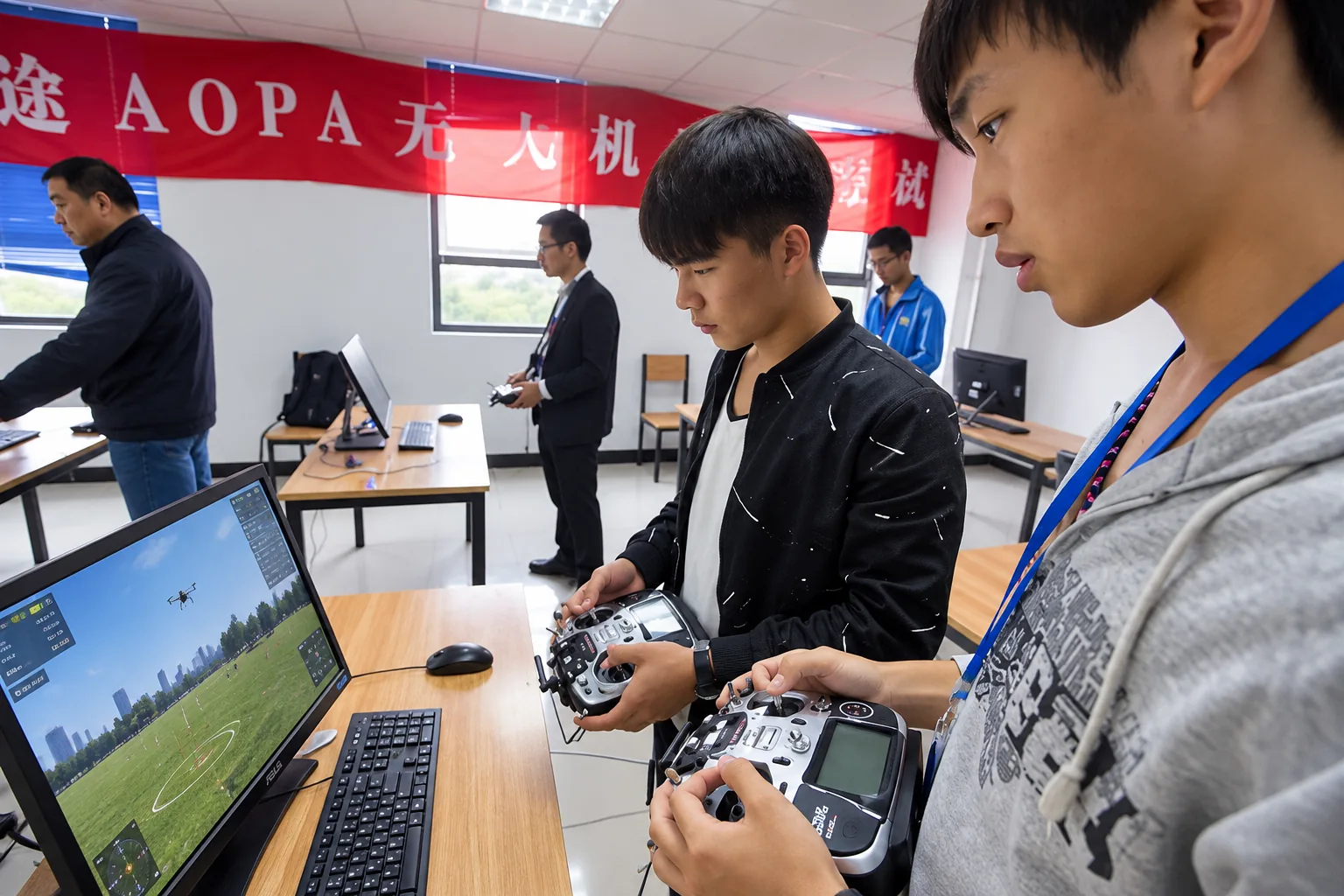
Learn drone operations in a safe, hands-on environment. Students practice flight control through interactive simulation — on desktop or mobile — before moving to physical drones.
- Learn
- Interactive flight control
- Create
- Practice anywhere
- Apply
- Classroom-ready
Practice real flight concepts digitally, building muscle memory and understanding before any hardware is involved.
The simulation runs on devices students already have — phones, tablets and laptops.
Structured for drone training in labs and classrooms, with safe progression from simulation to real flight.
Module 02
Block Coding
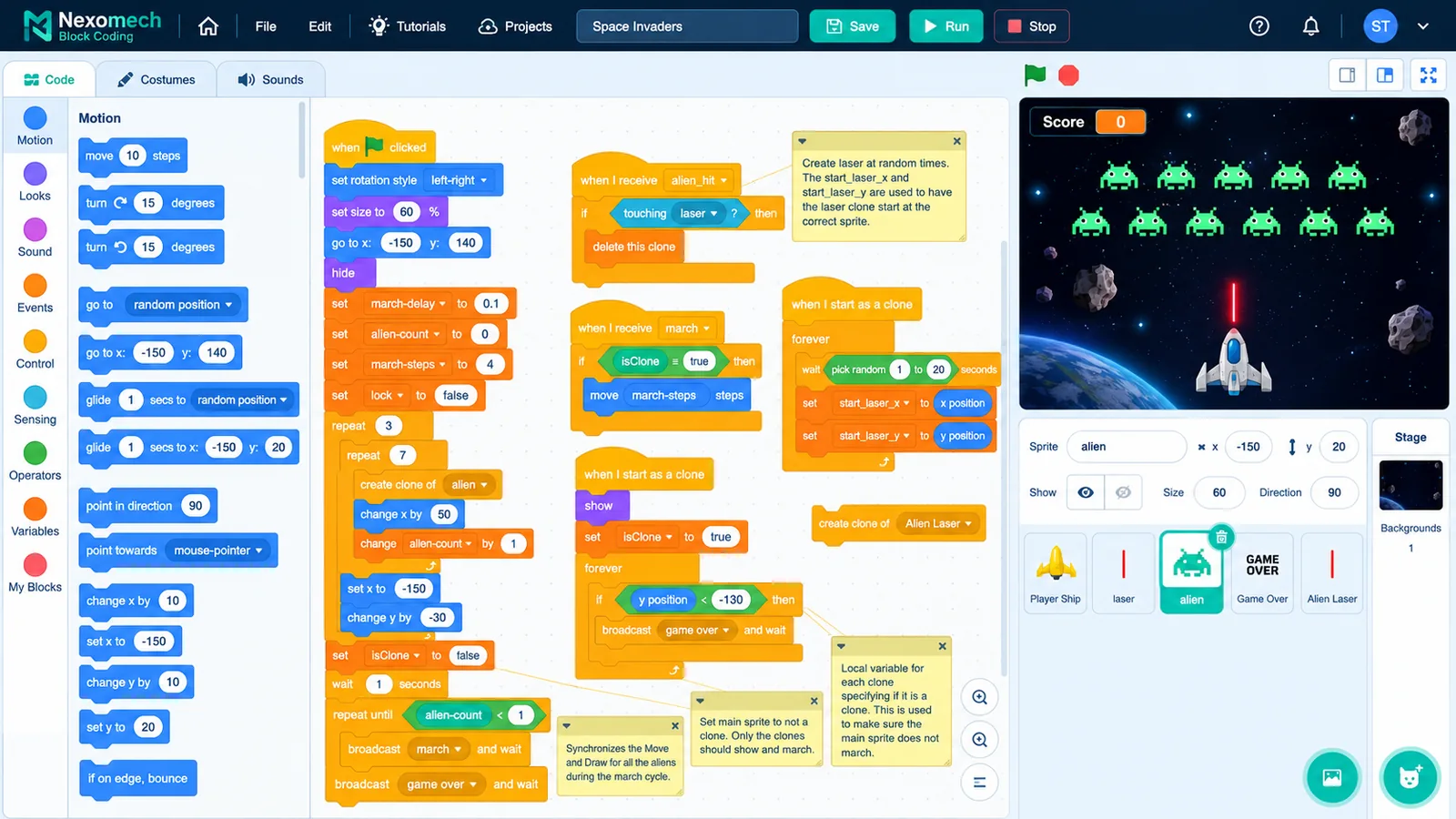
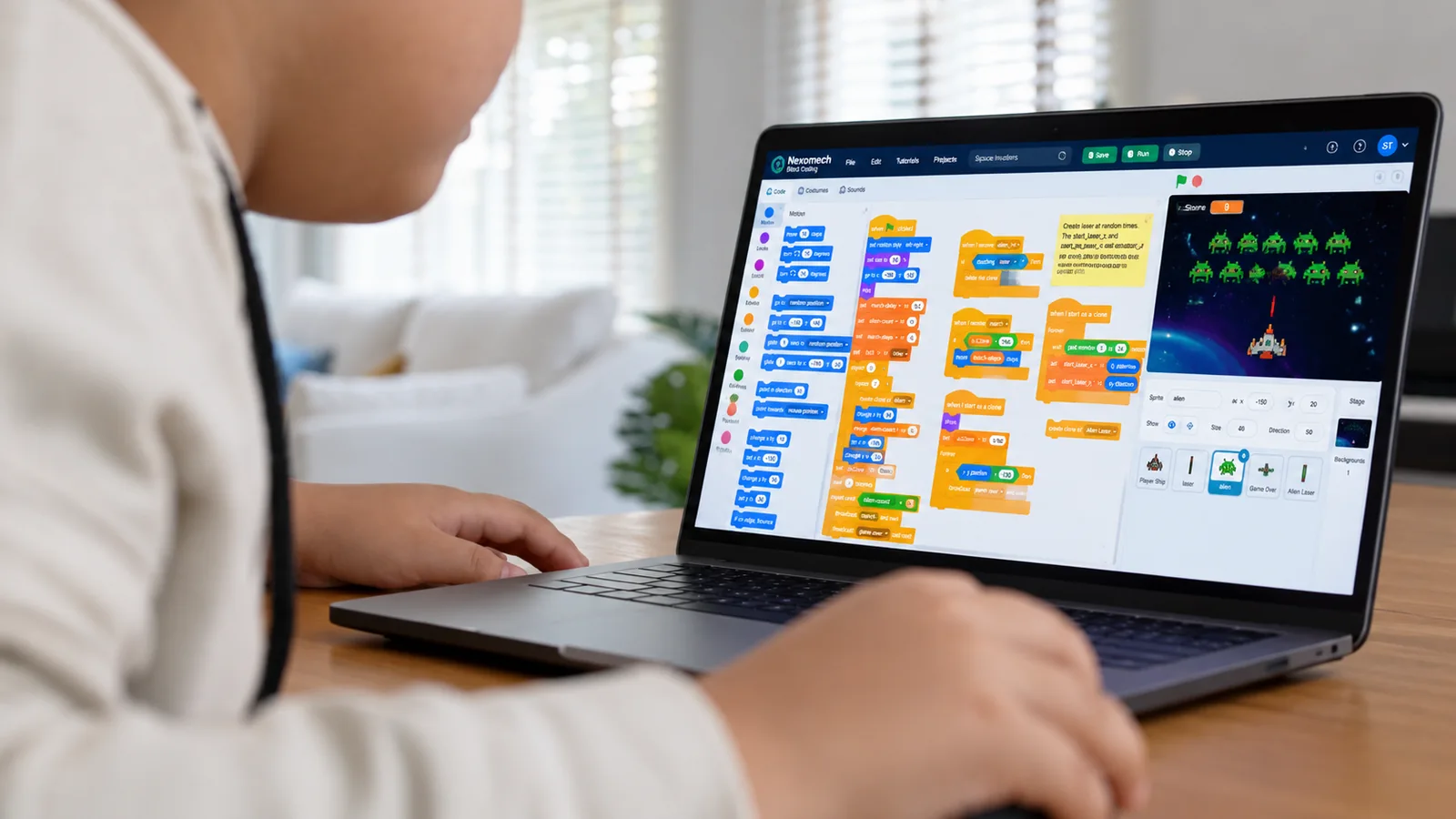
Build logic visually. Learn programming by doing. Students drag, snap and combine blocks to create working programs — building genuine computational thinking on the way to text-based code.
- Learn
- Drag-and-drop programming
- Create
- Learn by building
- Apply
- Real platform experience
Visual blocks make logic visible: loops, conditions and events become things students can see and arrange.
Turn ideas into working programs immediately — every session ends with something that runs.
Students work in the actual Nexomech Block Coding environment, not a toy approximation.
Module 03
Circuit Lab / Wire Diagram
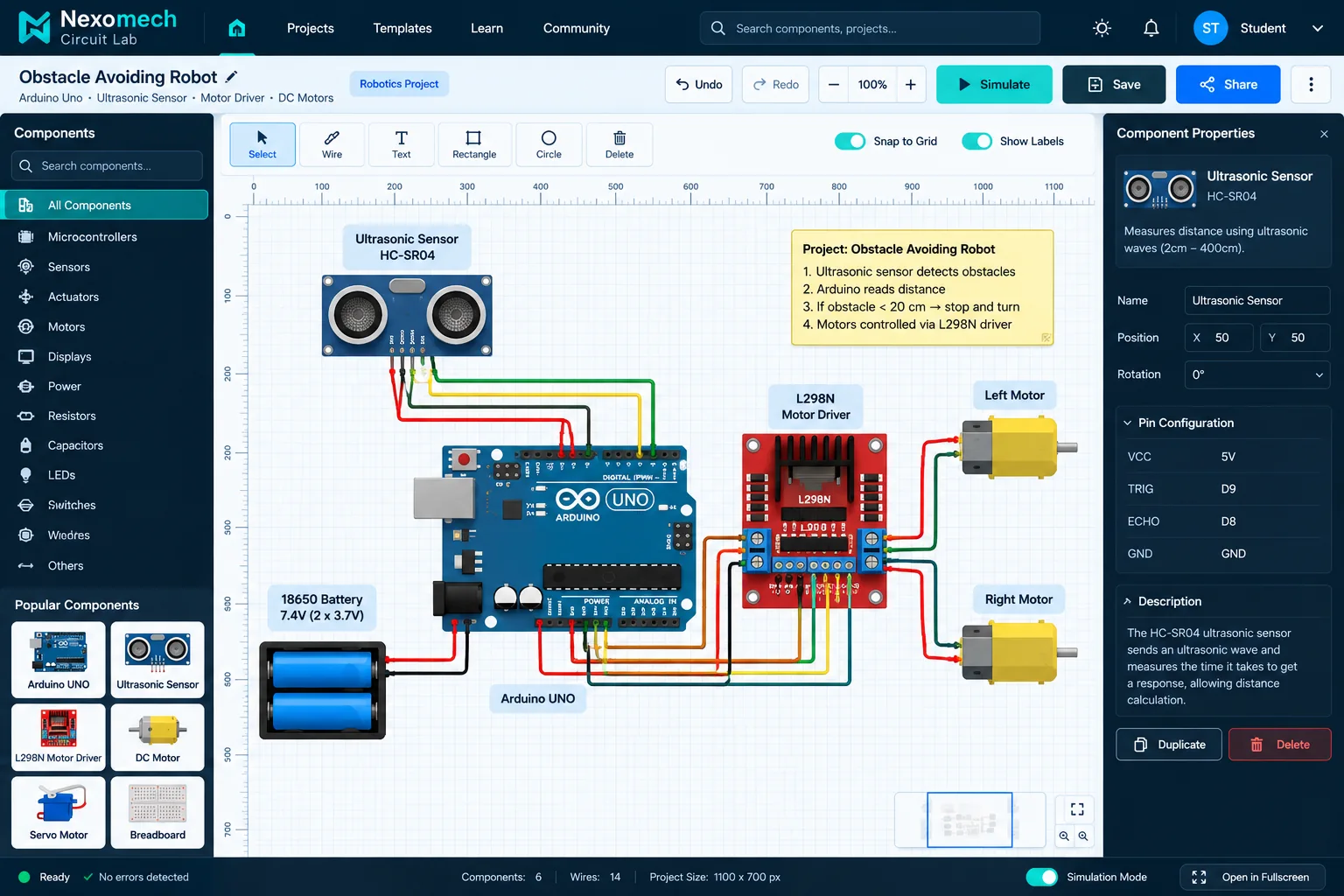
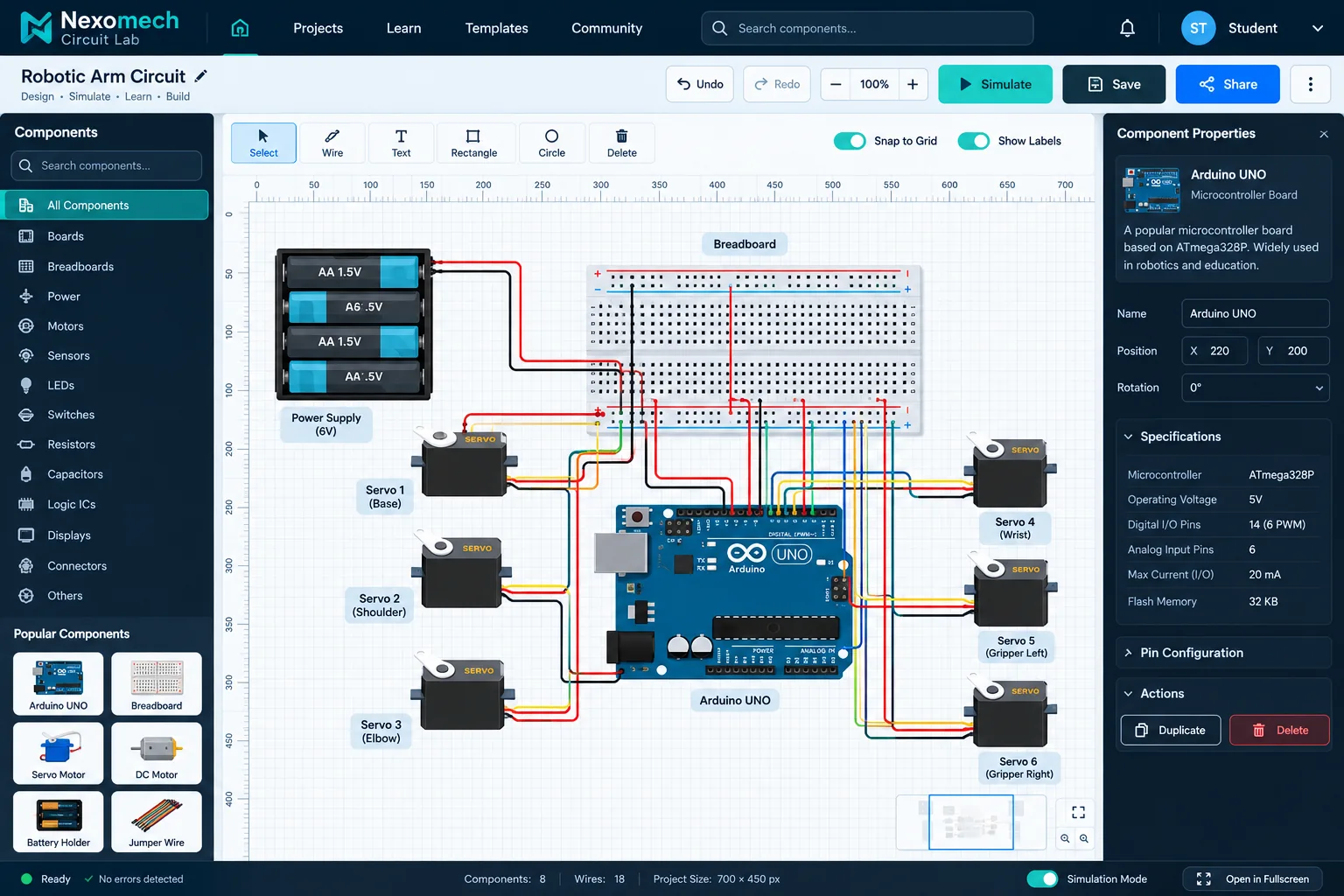
Design and understand robotics circuits before building them. Students connect sensors, motors, drivers and power in a digital workspace — then take verified designs to real breadboards.
- Learn
- Digital circuit workspace
- Create
- Real wiring concepts
- Apply
- From diagram to build
Design, connect, inspect and test wiring digitally — with Arduino-based projects like obstacle-avoiding robots.
Servos, ultrasonic sensors, motor drivers and power supplies taught through hands-on digital assembly.
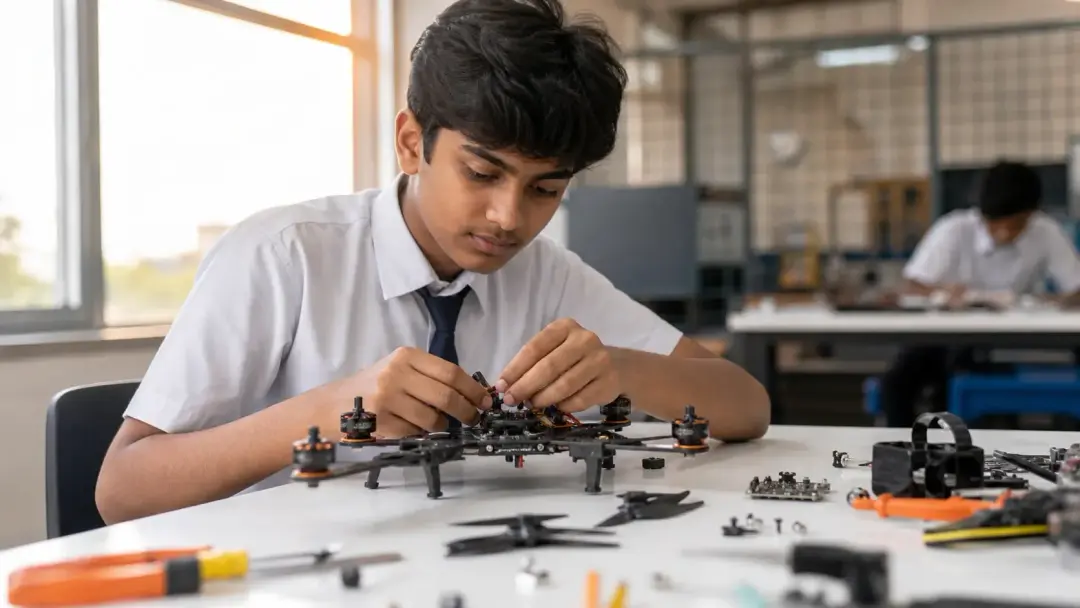
Every digital design maps to a real, buildable circuit — closing the gap between theory and hardware.
Module 04
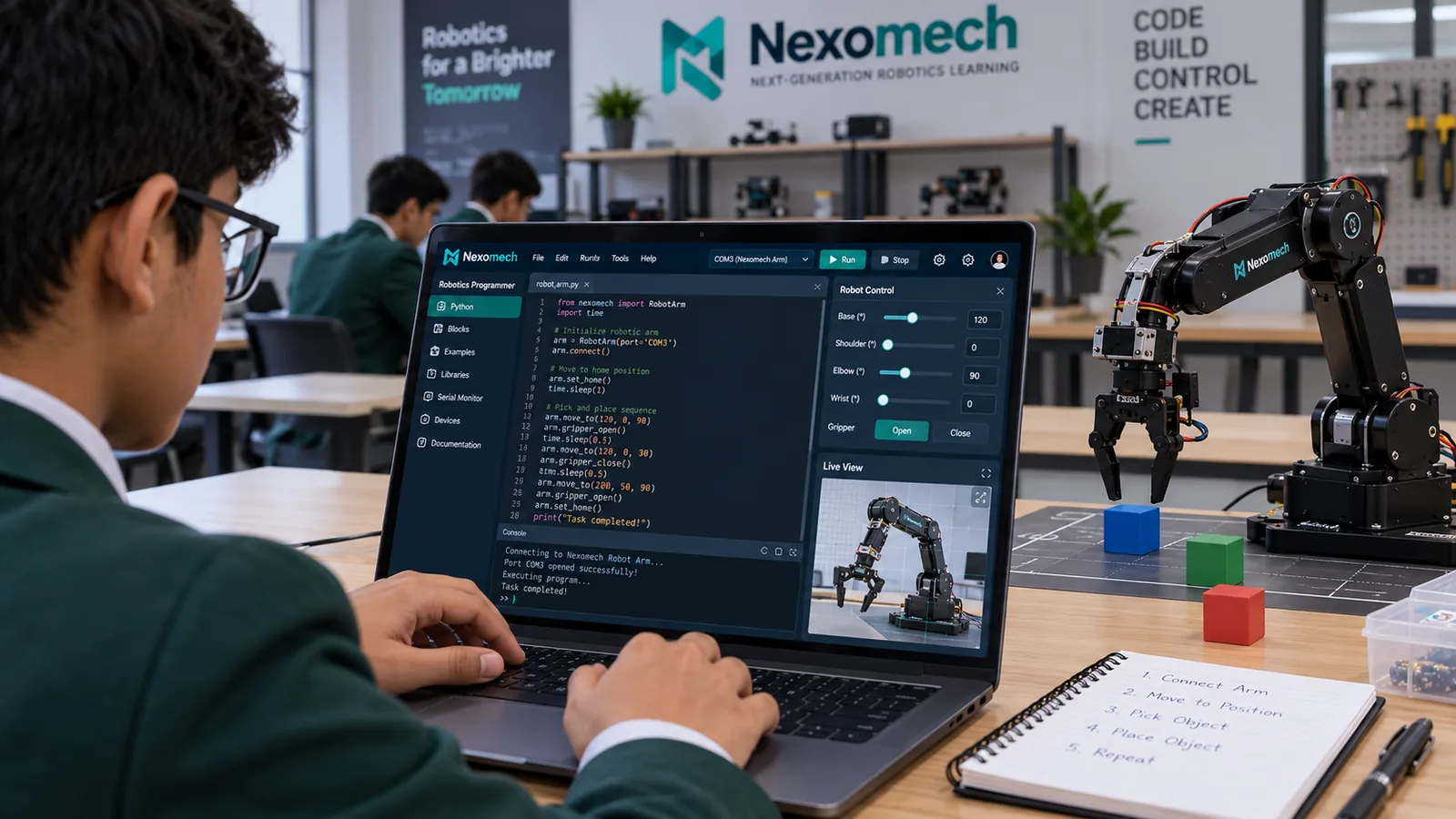
Robotics Programmer
Write code, control robots and turn ideas into real-world action. Choose a microcontroller, choose a language, describe your project — and get explained, buildable robotics code with wiring guidance.
- Learn
- Choose your hardware
- Create
- AI-assisted, engineering-focused
- Apply
- From code to real robot
Arduino Uno, Arduino Nano, ESP32, ESP8266, Raspberry Pi and Raspberry Pi Pico — with the right languages for each.
Not a general chatbot: a robotics programming environment that outputs code, libraries, assumptions, wiring notes and warnings.
Students bridge software and hardware — programming real robots with generated, explained code.
Ready to Explore the Platform?
Get a guided free demo for your school, university or personal learning.